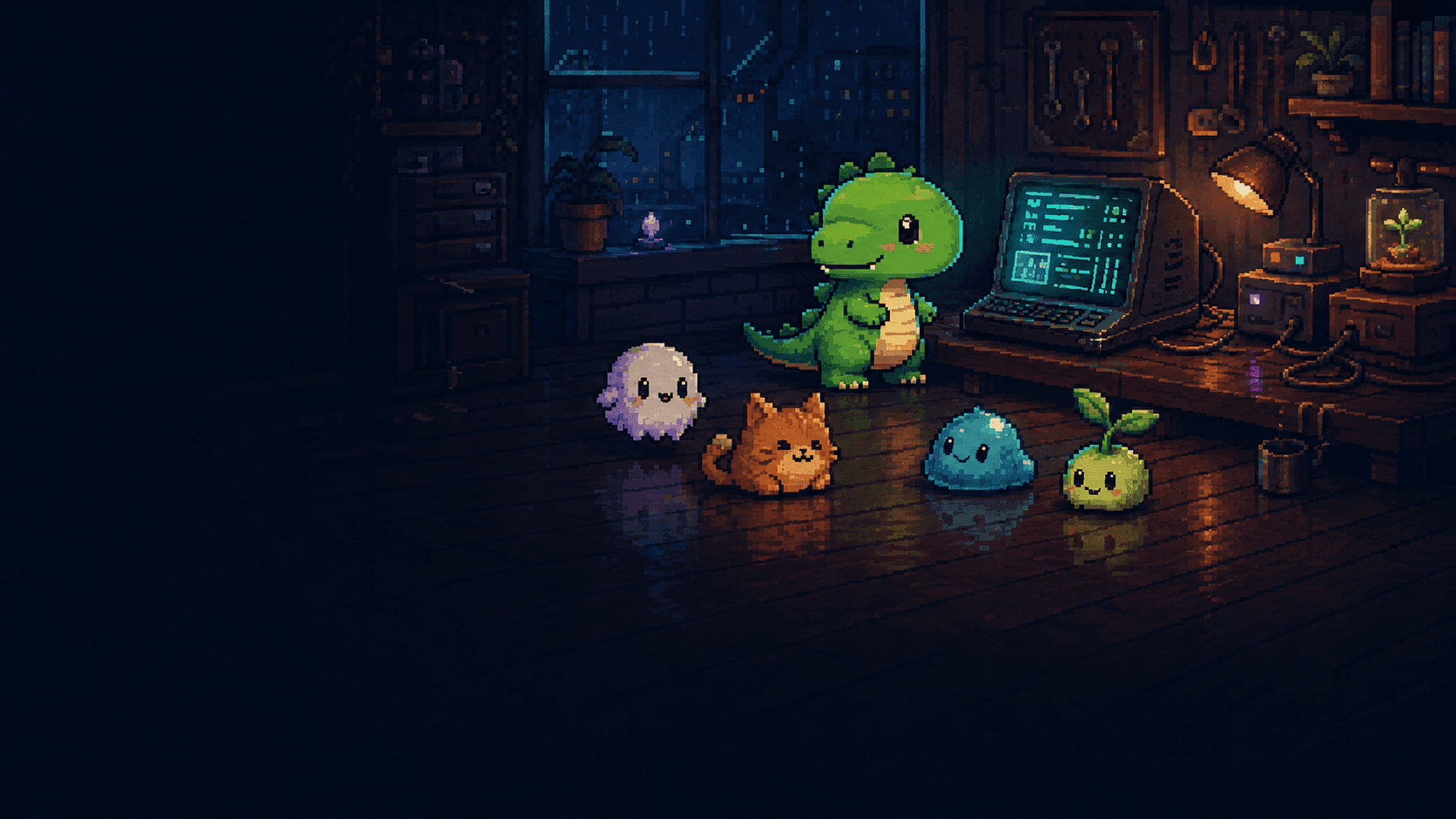



Agent activity, translated
Working, reviewing code, waiting, asking for input, done, or failed — Agent Pet turns coding-agent activity into pet animations.
BUILT FOR CLAUDE CODE + CODEX
A desktop pet companion for Claude Code and Codex. It reacts to your coding agent in real time, then lets you replace the entire character with a compatible GIF pack.
Works with Claude Code and CodexSupports CLI, terminal, and VS Code workflows. Claude Desktop is not supported.
Free beta · macOS + Windows · No account required

Stop checking the terminal.
Let your pet tell you.
HOW IT HELPS
Working, reviewing code, waiting, asking for input, done, or failed — Agent Pet turns coding-agent activity into pet animations.
Download a compatible GIF pack, right-click the pet, and import its folder. No code, terminal, or fixed character required.
Between prompts, your pet idles, walks, runs, jumps. Turn roaming on or off, and choose how long it waits before idles.
MAKE IT YOURS
Pick a compatible GIF pack from Codex Pets — or make your own using the open filename format. Import the folder from the right-click menu and the app checks every required animation before switching.
Explore GIF packs on codex-pets.net ↗




PUBLIC BETA
Not sure? Open → About This Mac and check “Chip” or “Processor.”
macOS 13+ · Windows 10+ · No Node.js required
FAQ
Agent Pet currently works with Claude Code and Codex workflows, including CLI, terminal, and VS Code use. Claude Desktop is not supported.
Download a compatible GIF pack, right-click the pet, and import its folder. Agent Pet checks the required animations before switching to the new pet.
The Windows beta is not code-signed yet, so SmartScreen or Smart App Control may show that warning. You can review the open-source project on GitHub before installing.
No. The released desktop app runs on macOS 13 or later and Windows 10 or later. Node.js is only needed to develop this website from the repository.
The public beta is not signed with an Apple Developer certificate, so Gatekeeper may show that message. Follow the installation help beside the macOS download to remove the quarantine attribute, then open the app normally.